
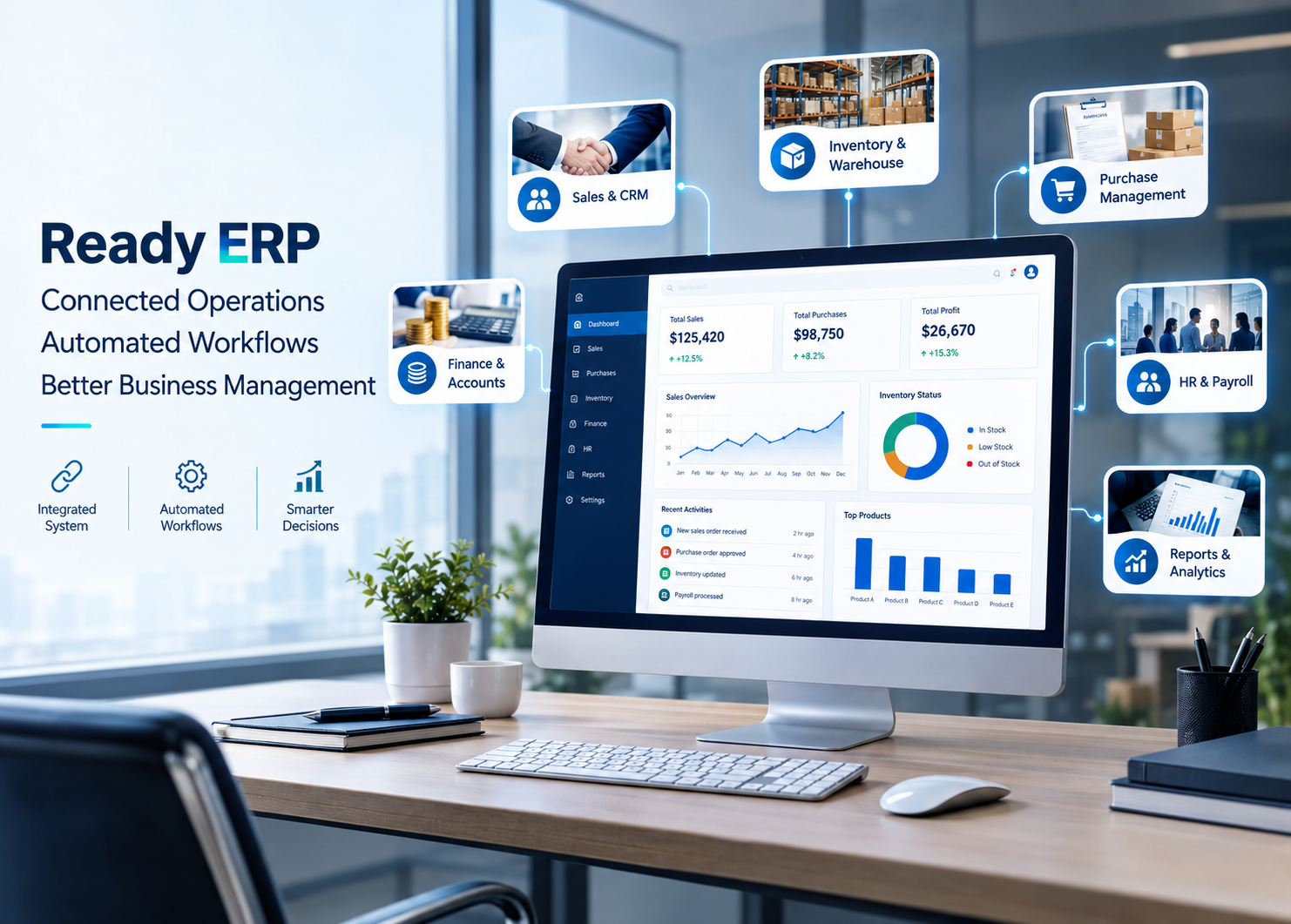


Business software with ready modules, configurable workflows, and optional customization.
Choosing business software often means deciding between two difficult options: building a complete ERP from scratch, which can require significant time and investment, or buying a generic system that may not match the way your business operates. A ready-to-deploy ERP solution offers another path — start with software that is already available, select the modules you need, configure it around your business, and add customization only where required.
Wavy Informatics provides ready business software solutions designed to help organizations manage core operations without starting every project from a blank screen. The approach combines ready functionality with configuration and optional customization, giving businesses a practical way to move from manual processes to a connected digital system.
This ERP solution is business management software with core modules already developed and available for use. Instead of developing every feature from scratch, a business starts with the available ERP foundation and selects the functionality that matches its requirements.
The system can then be configured with the company’s users, roles, permissions, workflows, reports, numbering formats, and other business settings. Where a business needs functionality beyond the standard solution, additional customization or integrations can be added.
| Module | What It Helps Manage |
| Sales & CRM | Leads, customers, quotations, sales orders, and customer information. |
| Purchase Management | Suppliers, purchase orders, purchasing workflows, and approvals. |
| Inventory & Warehouse | Products, stock, warehouses, transfers, barcode workflows, batch and expiry tracking. |
| Finance & Accounts | Invoices, expenses, ledgers, and core financial records. |
| HR & Payroll | Employees, attendance, leave, and payroll processes. |
| Reports & Dashboards | Business reports and dashboards for management visibility. |
| Factor | This ERP Solution | ERP From Scratch |
| Starting point | Ready foundation | Start from zero |
| Deployment | Generally faster | Generally longer |
| Core modules | Already available | Need to be developed |
| Initial development effort | Lower | Higher |
| Configuration | Available, with optional customization | Fully custom by default |
| Best fit | Businesses wanting a ready foundation | Highly unique requirements |
Select the ERP and business modules relevant to your organization.
Set up users, roles, permissions, workflows, reports, and business settings.
Add specific fields, workflows, reports, integrations, or other functionality where the standard solution needs to be extended.
Launch the solution, train users, and continue improving the system as requirements evolve.
Depending on the organization’s requirements, the solution can be planned for cloud, on-premise, or hybrid deployment. Cloud deployment can provide browser-based access and reduce the need for businesses to manage their own infrastructure, while on-premise or hybrid options may be considered where internal policies or operational requirements call for greater control over the hosting environment.
AI can be introduced on top of a stable business software foundation rather than being treated as a replacement for the ERP itself. Potential use cases include automated data entry, demand forecasting, anomaly detection, workflow automation, AI-assisted reporting, and inventory insights.
ERP Foundation → Centralized Data → Automation → AI Insights
The same ready-solution approach can be applied to other business software requirements. Depending on the organization, Wavy Informatics can provide or configure solutions such as CRM, hospital information systems, hospital management, inventory management, pharmacy management, school management, project management, HR management, warehouse management, and SaaS-based business platforms.
Ready to Start With a Business Software Solution?
Tell us what your business needs to manage, and we can help you select and configure the right ERP solution for you.
Wavy Informatics — Ready Business Software, Configured for Your Business.
Q1. What is this ready-to-deploy ERP solution?
It is an ERP solution with core business modules already available, which can then be configured and optionally customized for a company’s workflow.
Q2. Is this ERP solution customizable?
Yes. Configuration and additional customization can be used for workflows, fields, reports, permissions, integrations, and other requirements.
Q3. Is it suitable for small and medium businesses?
Yes. This kind of ERP solution can be useful for businesses that want to move away from spreadsheets or disconnected tools without starting a large development project.
Q4. Can more modules be added later?
Yes. A modular solution can be expanded with additional modules, integrations, and features as the business grows.
Q5. Can AI be added?
AI capabilities can be added where they provide practical value, such as automation, forecasting, anomaly detection, and reporting assistance.