


Picture a Monday morning at a 100-bed hospital. The front desk is registering walk-ins while phones ring for appointments. A doctor is waiting on a lab report. The pharmacy is unsure whether a medicine is in stock. Billing is still reconciling Friday’s discharges.
None of these people are doing a bad job. They are working in systems that don’t talk to each other.
Custom hospital management software development solves this by building one connected system around how your hospital actually works. This guide covers what it is, which features matter, what technical and security needs to plan for, how development works, and what drives cost.
Custom hospital management software is a purpose-built digital system that manages a hospital’s clinical and administrative operations, designed around that hospital’s own workflows, departments, and goals.
It typically handles patient records, appointments, billing, staff, pharmacy, laboratory, inventory, and reporting in one platform.
| Factor | Ready-made software | Custom hospital management system |
| Workflows | Fixed; you adapt to the product | Built around your processes |
| Features | May include modules you never use | Only what you need |
| Integrations | Limited to vendor-supported options | Planned around your existing systems |
| Scalability | May need plan upgrades or workarounds | Can be designed for your growth |
| Upfront effort | Lower | Higher |
| Best for | Small clinics with standard needs | Multi-speciality hospitals and unique workflows |
When does custom make sense? When your hospital has several departments, special approval steps, specific reporting needs, or systems that must stay connected.
Hospitals need custom management software to reduce manual work, keep information connected, and give staff and leaders accurate, timely data.
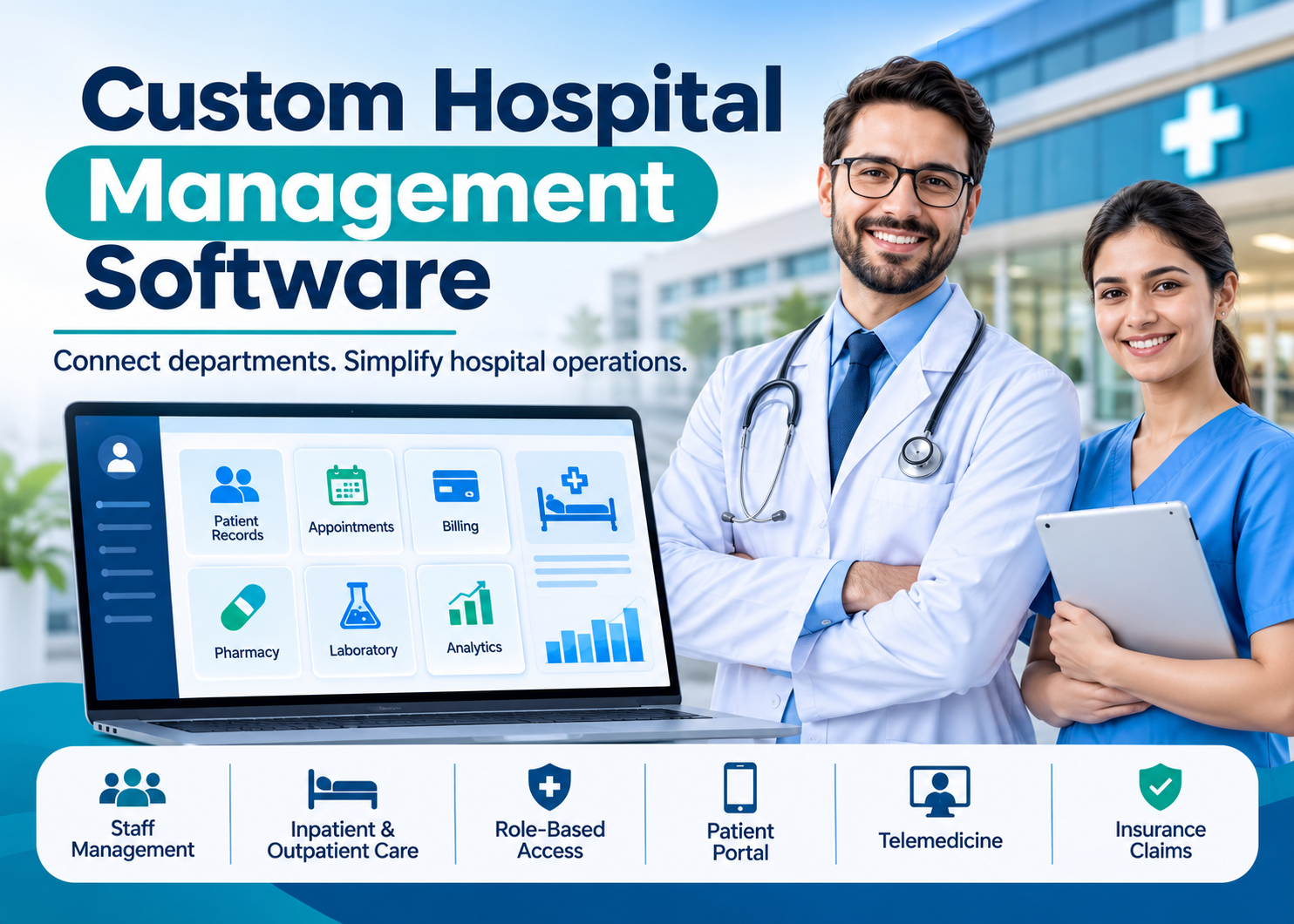
The essential hospital management software features are patient management, EMR, scheduling, staff management, billing, pharmacy, lab, inventory, inpatient/outpatient management, analytics, access control, a patient portal, telemedicine, and insurance management.
| Sr. No. | Feature | What it does | Practical example |
| 1 | Patient Registration & Management | Captures demographics and visit history with a unique patient ID | A returning patient is found in seconds, with no duplicate file |
| 2 | Electronic Medical Records (EMR) | Stores diagnoses, prescriptions, allergies, and test results | A doctor reviews history before the consultation starts |
| 3 | Appointment & Scheduling | Manages bookings, rescheduling, and reminders | Each doctor has a separate calendar by department |
| 4 | Doctor & Staff Management | Tracks rosters, shifts, leave, and attendance | A shift change is visible to the whole ward instantly |
| 5 | Billing & Payment | Creates invoices and tracks payments and balances | A discharge bill pulls in room, lab, and pharmacy charges |
| 6 | Pharmacy Management | Tracks medicines, batches, expiry, and prescriptions | Low-stock and near-expiry alerts reach the pharmacist |
| 7 | Laboratory Management | Handles test orders, sample tracking, and reports | Results appear directly in the patient’s record |
| 8 | Inventory & Equipment | Monitors supplies and equipment maintenance | Servicing reminders prevent equipment downtime |
| 9 | Inpatient & Outpatient Management | Covers admissions, beds, transfers, discharge, and OPD queues | Staff see which beds are free in real time |
| 10 | Reports & Analytics | Shows dashboards on volumes, revenue, and occupancy | Leaders spot busy periods and plan staffing |
| 11 | Role-Based Access Control | Limits what each user can see or edit | A receptionist sees appointments but not clinical notes |
| 12 | Patient Portal | Gives patients secure access to reports, bills, and appointments | Fewer calls to the front desk |
| 13 | Telemedicine Integration | Supports video consults and remote follow-up | Consultation notes save to the patient record |
| 14 | Insurance & Claims Management | Records policies and tracks claim status | Claim documents are prepared from billing data |
You do not need all 14 on day one. Many hospitals launch with registration, EMR, appointments, and billing, then add modules as the team gets comfortable.
Hospital management system requirements cover the technology stack, database, hosting, security, integrations, mobile access, backup, and scalability.
| Requirement | What to consider |
| Frontend and backend | Choose technologies based on project needs, not trends |
| Database management | Reliable, structured storage with fast search |
| Cloud hosting and infrastructure | Cloud, on-premise, or hybrid, depending on control and regulatory needs |
| Data encryption and security | Protect data in storage and during transfer |
| API integrations | Connect lab devices, payment gateways, accounting tools, and existing systems |
| Mobile accessibility | Responsive web or dedicated apps for doctors, nurses, and patients |
| Backup and disaster recovery | Regular backups and a tested recovery plan |
| System scalability | Plan for more users, data, and branches over time |
Healthcare data security means protecting sensitive patient information through secure login, role-based permissions, encryption, audit logs, and regular updates.
Regulations depend on your market. HIPAA applies to many healthcare organisations in the United States. GDPR applies to the personal data of people in the European Union. Other countries have their own health data laws.
Software can support compliance, but it cannot guarantee it. Compliance also depends on your policies, staff training, and daily practices. Consult a qualified legal or compliance professional for your specific situation.
The development process has nine steps: requirement analysis, workflow planning, UI/UX design, technology selection, development, integrations, testing, deployment, and ongoing support.
| Phase | Typical focus |
| Phase 1 | Patient registration, EMR, appointments, billing |
| Phase 2 | Pharmacy, laboratory, inventory |
| Phase 3 | Patient portal, telemedicine, insurance and claims |
| Phase 4 | Advanced analytics, additional branches, new integrations |
This order is an example. Your phases should follow your own priorities.
The cost of custom hospital management software depends on project scope. There is no single fixed price.
| Cost factor | Why it matters |
| Number of features and modules | More modules mean more design, build, and testing work |
| Software complexity | Multi-branch workflows and custom approval chains take longer |
| Integrations | Each outside system adds planning and testing |
| Web and mobile requirements | Building for web, Android, and iOS increases scope |
| Security requirements | Stricter controls and audit trails add effort |
| Development timeline | Tight deadlines may need a larger team |
| Maintenance requirements | Support, hosting, and updates should be budgeted |
How to get an accurate estimate: Share your requirements with a development company and ask for a scoped proposal. A smaller first phase can also help manage budget and risk.
Choose a hospital software development company based on technical expertise, healthcare experience, security practices, communication, scalability, support, and development approach.
Ask for demos, references, and a plain-language explanation of how they would approach your project.
Wavy Informatics offers custom software development built around each client’s workflows, users, and business requirements. Its solutions include web and mobile applications, business software, and healthcare and HIS solutions for patient, appointment, billing, and administration workflows.
The team follows four stages: discover and plan, design, develop and test, and launch and support. Technologies are selected per project rather than reusing one stack for every client. For existing systems, the team first assesses APIs, databases, and integration needs to see what is technically possible, and larger projects can be developed in phases.
Planning a hospital system? Discuss your hospital software requirements with Wavy Informatics and explore the right approach for your hospital.
It is the process of designing and building a hospital management system around a specific hospital’s workflows, departments, and goals, instead of using a generic product.
Common features include patient registration, EMR, appointment scheduling, billing, pharmacy, laboratory, inventory, staff management, reporting, and role-based access. Exact needs vary by hospital.
It depends on scope. A focused system with a few core modules takes less time than a large multi-department platform. Larger systems are often built in phases.
Cost depends on features, complexity, integrations, platforms, security needs, timeline, and maintenance. A development company can give a reliable estimate after reviewing your requirements.
In many cases, yes. Developers first assess your current systems, APIs, and databases to confirm what is technically possible.
It can be, when security is built in through strong authentication, access controls, encryption, audit logs, and regular updates. Security also depends on how the system is hosted and managed.
An EMR stores a patient’s clinical records. Hospital management software is broader and also covers appointments, billing, staff, pharmacy, labs, and inventory. EMR is often one module inside it.
Yes. It can be built with responsive web interfaces or dedicated mobile apps, so doctors, staff, and patients can use it on phones and tablets, with access controlled by role.
This article is for general informational purposes only. It is not legal, medical, financial, or compliance advice. Regulations such as HIPAA and GDPR vary by country and situation, and using software does not by itself ensure compliance. Features, timelines, and costs differ from project to project, so consult qualified professionals and request a project-specific proposal before making decisions.